An assistant needs more than a name.
The idea was simple: talk to an assistant about my notes, projects, and daily work, then ask it to help. I wanted to explore how that could fit the way I actually think and work.
By Eric BrothertonUpdated
I wanted an assistant I could talk to and ask to do things. Jarvis is the project that got me started with AI Workshop—and the one I keep making my own.
The public demo is a simulation using sample data. It is separate from my personal Jarvis.
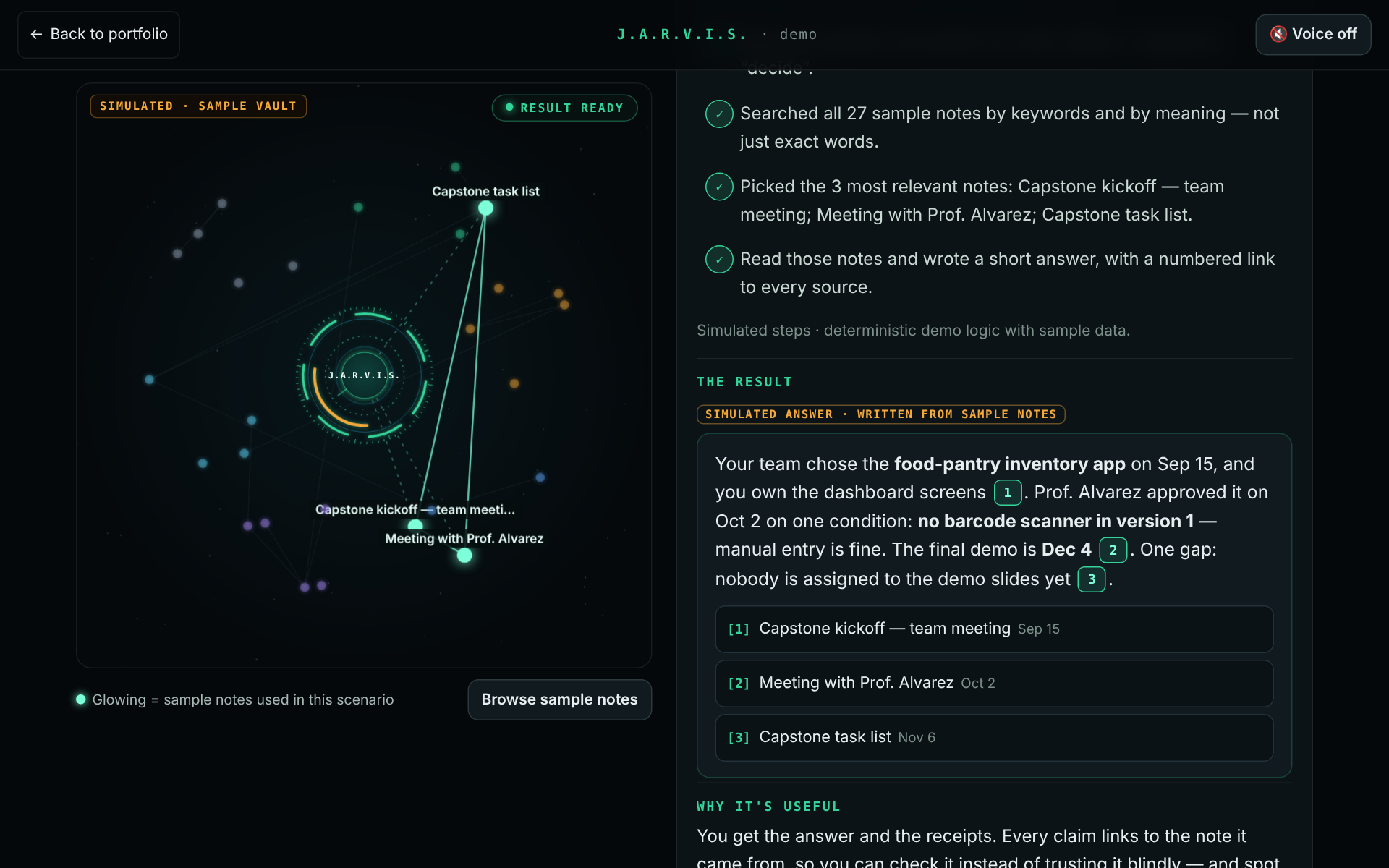 EXPLORE JARVIS
The idea was simple: talk to an assistant about my notes, projects, and daily work, then ask it to help. I wanted to explore how that could fit the way I actually think and work.
I joined AI Workshop on Skool and started with a workshop template. I made extensive changes, including adding an iPhone app. That gave me a foundation to learn from while shaping the experience around my own workflow.
For the portfolio, I added a separate demo with sample notes and five guided scenarios. Visitors can change inputs, follow the steps, and inspect the result without accessing my personal assistant or information.
The tangible milestones are the customized Jarvis project, an iPhone app, and a public demo people can explore. I’m still learning how Jarvis fits into my everyday life; I’m not claiming measured time savings or business results yet.
The demo uses predefined logic rather than a live AI model. Some outputs are illustrative; the keyword search, scheduler, and focus timer really respond to your inputs.
Pick a sample question, then open its citations to see the original notes. You can also run a real keyword search over the sample vault.
Choose priorities and available time. The scheduler fits tasks around two fixed sample calls and breaks, and tells you what did not fit.
Set focus and break lengths to create a working Pomodoro timer from a template. Run it in the demo or download the standalone HTML file.
Explore example findings for three fictional businesses. This illustrates the conversation; it does not scan a live website.
Choose a notification channel and watch a simulated task finish. The demo displays a preview; it sends no message and makes no call.
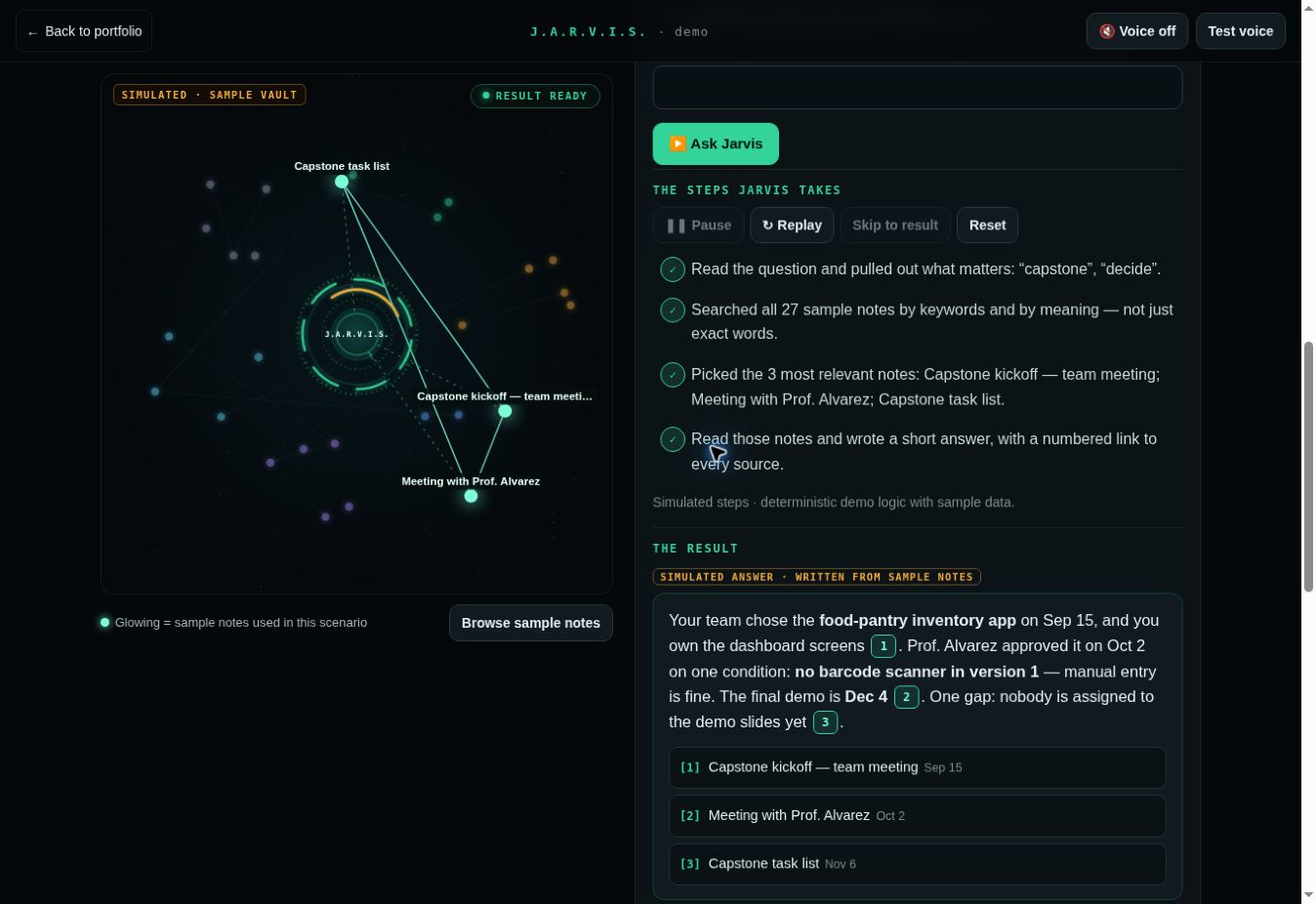
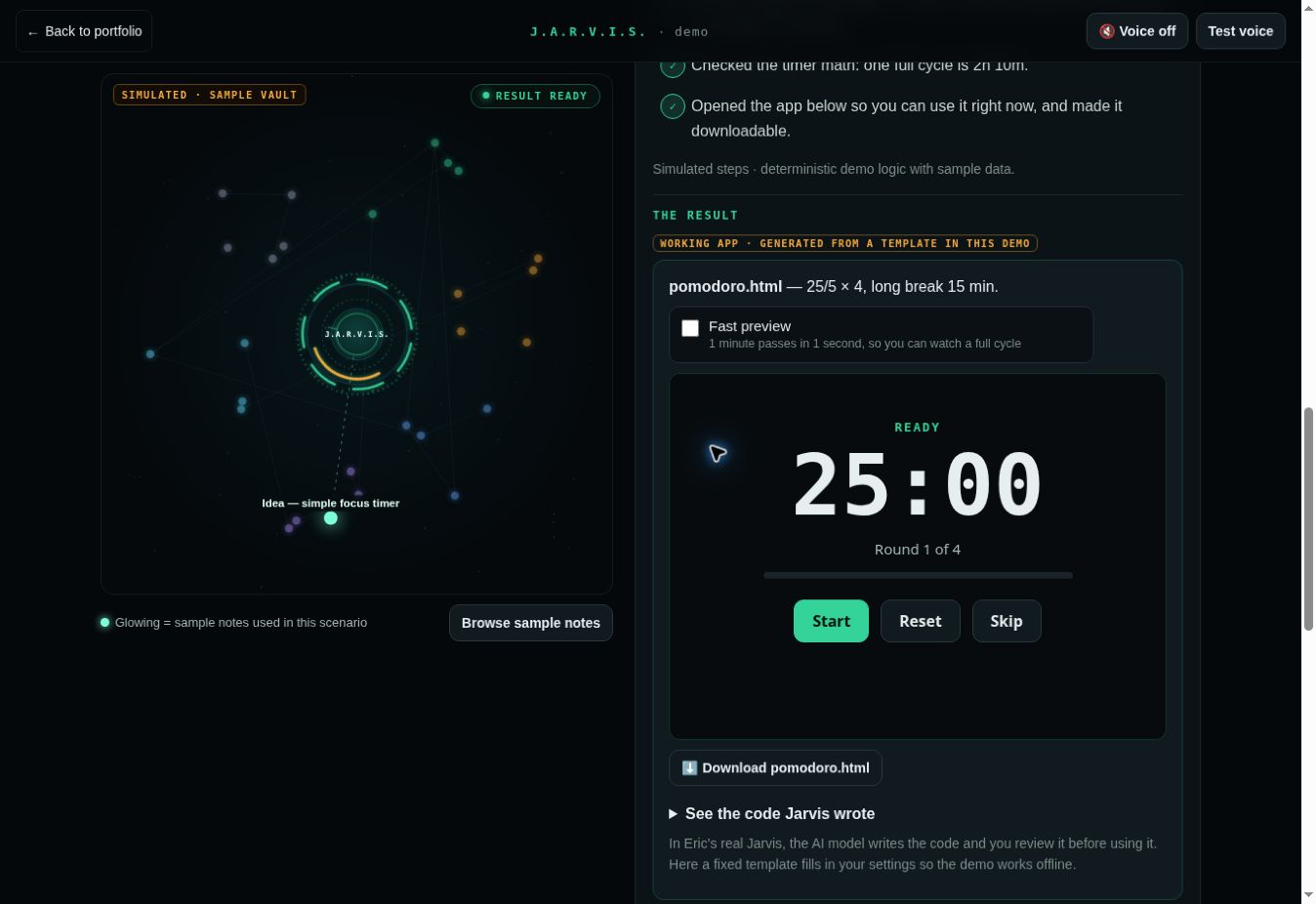
The demo is not connected to my personal Jarvis, private notes, calendar, or accounts. Its website findings are fictional, and its notifications are previews. Voice narration is optional and uses your browser’s speech service.
The original assistant foundation came from AI Workshop on Skool. My work is the extensive customization, the iPhone app, and shaping this public demonstration.
The AI Workshop link is my referral link. I may receive a referral benefit if you join through it.
Bring one task, one workflow, or one “what if.” We can talk through what a useful first version would look like.